Hero
The top of a page: a heading, a few lines and buttons, with an image beside them.
Default
Books for every shelf
Free to borrow
Search the catalogue, reserve a title and pick it up at your branch.
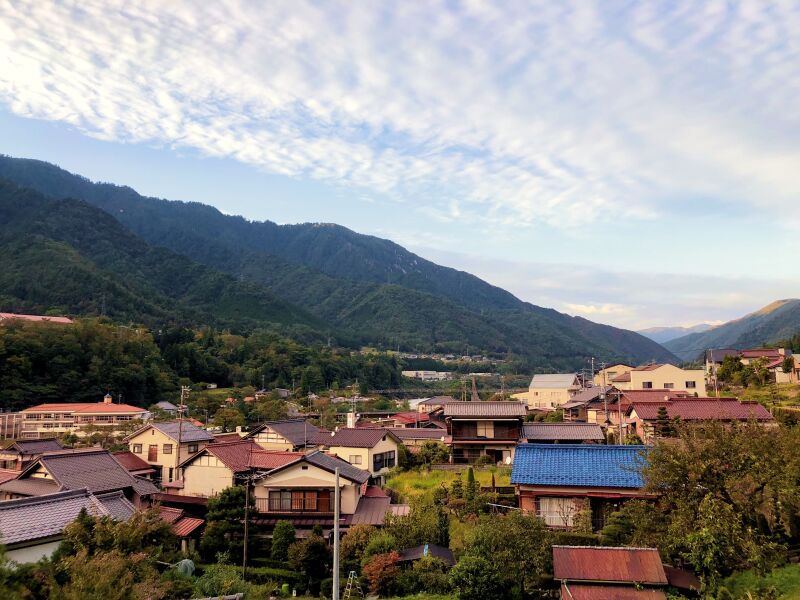
{component hero,
	title: 'Books for every shelf',
	tagline: 'Free to borrow',
	description: 'Search the catalogue, reserve a title and pick it up at your branch.',
	image: p('images')->image('ultralight-img-1975.jpeg')->src('w=800'),
	alt: 'A mountain ridge at dawn',
}
	{block actions}
		{ui button, title: 'Search the catalogue', href: '#', class: 'text-lg' /}
		{ui button, title: 'Browse programs', href: '#', class: 'button-ghost text-lg' /}
	{/block}
{/component}title, tagline and description are the text, and image is the URL of the picture beside it, drawn by {ui image} at 4 / 3 and loaded at once, since a hero is at the top of the page. The buttons go in {block actions}, written as {ui button} calls, so each can take its own look. On a screen under 768px the columns stack.
Without an image
Join the library
A card is free and takes two minutes.
{component hero,
	title: 'Join the library',
	description: 'A card is free and takes two minutes.',
}
	{block actions}
		{ui button, title: 'Get a card', href: '#', class: 'text-lg' /}
	{/block}
{/component}
With no image and no {block media}, the text sits centred in one column.
Your own slots
Summer reading
Read five books before September.
{component hero}
	{block header}
		<h1>Summer reading</h1>
		<p>Read <strong>five books</strong> before September.</p>
	{/block}
	{block default}
		{ui progress, value: 60, label: '3 of 5 read' /}
	{/block}
	{block actions}
		{ui button, title: 'Log a book', href: '#' /}
	{/block}
	{block media}
		{ui image, placeholder: 'hsl(var(--primary))', ratio: '1 / 1', class: 'rounded-full' /}
	{/block}
{/component}
Each part has a slot. {block header} replaces the title, tagline and description together, the tag's content ({block default}) goes between the text and the buttons, {block actions} holds the buttons and {block media} replaces the image, so it can be a video, a carousel or any other element. A slot you leave out renders nothing, and the column it would fill goes with it.